
Introduction
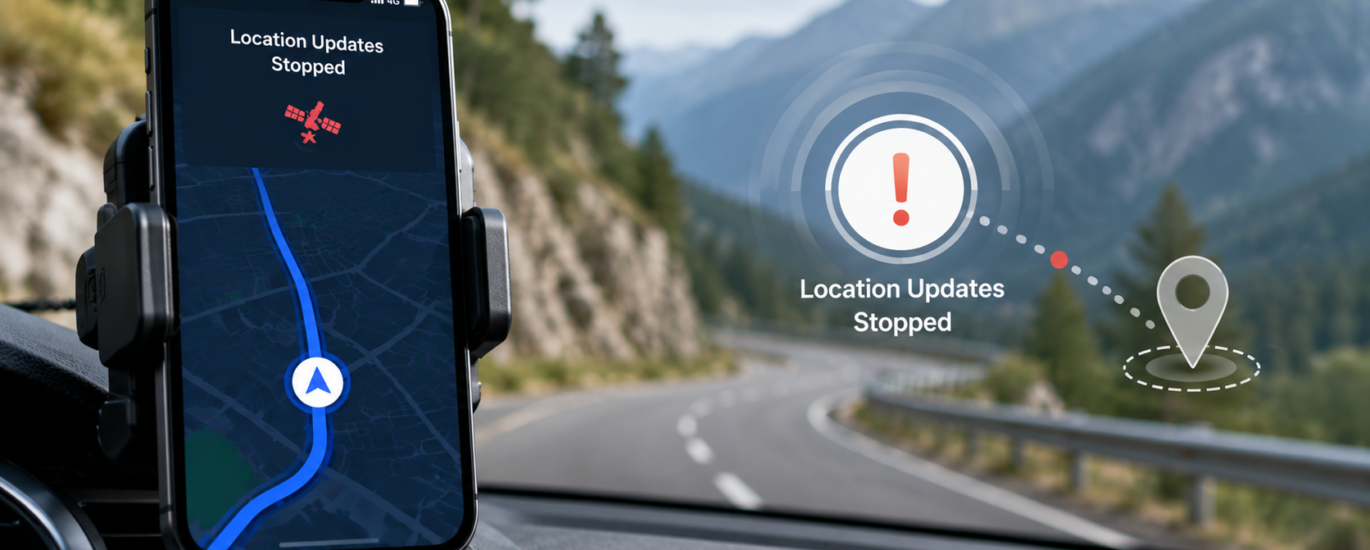
Location updates are essential for accurate navigation. They allow your device to continuously track your position, provide turn-by-turn directions, estimate arrival times, and automatically adjust your route if you change direction. If location updates stop during navigation, the map may freeze, your current position may no longer move, or navigation instructions may become delayed.
In most cases, interrupted location updates are caused by temporary GPS signal loss, software settings, battery optimization features, or connectivity issues rather than a hardware failure. Understanding the possible causes can help restore smooth and reliable navigation.
This guide explains why location updates may stop during navigation and outlines general troubleshooting steps that users can follow.
What Does “Location Updates Stop During Navigation” Mean?
During active navigation, your device regularly updates its position using GPS and other location technologies. When these updates stop, the navigation application may no longer know your current position.
Common symptoms include:
- Your location icon stops moving.
- The map freezes while traveling.
- Navigation instructions stop updating.
- The estimated arrival time remains unchanged.
- The application cannot detect recent movement.
- The route no longer follows your current position.
- Voice guidance becomes delayed or stops completely.
Common Causes of Location Updates Stopping
Weak GPS Signal
A weak or interrupted GPS signal is one of the most common reasons location updates stop.
Signal interruptions may occur in:
- Tunnels
- Underground parking garages
- Areas surrounded by tall buildings
- Dense forests
- Mountain regions
- Indoor environments
Suggested Action
Move to an open outdoor location where your device has a clearer view of the sky. Wait a few moments for the GPS signal to stabilize before continuing navigation.
Location Services Are Disabled or Restricted
If location services are disabled or restricted, navigation applications may stop receiving updated location information.
Suggested Action
Verify that location services are enabled and confirm that the navigation application has permission to access your location while in use.
Battery Saving Features
Many devices reduce GPS activity while battery-saving mode is enabled. This can limit the frequency of location updates during navigation.
Suggested Action
Temporarily disable battery-saving or power-saving mode while using navigation features.
Background Activity Restrictions
Some devices automatically restrict background activity to conserve system resources. These restrictions may interrupt location updates if the navigation application is minimized or running in the background.
Suggested Action
Allow the application to continue running during navigation and review background activity settings if available.
Temporary Software Issues
Temporary operating system or application issues may interrupt communication with GPS services.
Suggested Action
Restart the navigation application or restart your device before beginning your trip again.
Outdated Software
Outdated operating systems or applications may contain bugs that affect GPS performance and navigation stability.
Suggested Action
Install available software updates for your device and any applications that use location services.
Poor Network Connectivity
Although GPS receives satellite signals independently, many navigation applications rely on an internet connection to download maps, traffic conditions, and route information.
An unstable connection may affect navigation performance.
Suggested Action
Ensure your device has a stable network connection if your navigation application requires online services.
Device Overheating
Extended navigation sessions, especially in direct sunlight or warm environments, may cause a device to overheat. Some devices automatically limit system performance to reduce heat, which can affect GPS responsiveness.
Suggested Action
Allow the device to cool naturally before continuing navigation and avoid prolonged exposure to excessive heat.
General Troubleshooting Steps
If location updates stop during navigation, try the following steps:
- Restart your device.
- Enable location services.
- Verify location permissions for the navigation application.
- Move to an area with stronger GPS reception.
- Disable battery-saving mode temporarily.
- Check your internet connection if required.
- Install available application updates.
- Update your device’s operating system.
- Close unnecessary background applications.
- Restart navigation after making these changes.
Tips for More Reliable Location Updates
You can improve navigation performance by following these recommendations:
- Begin navigation only after your device has identified your current location.
- Keep your operating system updated.
- Install updates for navigation and location-based applications regularly.
- Keep the device adequately charged during long trips.
- Avoid covering the device with objects that may reduce GPS signal reception.
- Use navigation in areas with good satellite visibility whenever possible.
- Restart your device periodically to maintain stable system performance.
Frequently Asked Questions
Why does my location stop updating while driving?
This can occur because of weak GPS reception, battery-saving restrictions, software issues, limited satellite visibility, or temporary connectivity problems.
Can battery-saving mode interrupt navigation?
Yes. Many battery optimization features reduce GPS activity to conserve power, which may result in delayed or interrupted location updates.
Does poor GPS reception affect navigation?
Yes. If the device temporarily loses satellite signals, it may stop updating your current position until a stable connection is restored.
Does navigation require an internet connection?
GPS can determine your location without internet access. However, many navigation applications use an internet connection to access maps, live traffic information, and route updates.
When should I seek additional assistance?
If location updates continue to stop after completing standard troubleshooting steps and the problem occurs across multiple navigation applications, consult your device manufacturer’s documentation or an authorized service provider for further evaluation.
Conclusion
Location updates stopping during navigation are typically caused by weak GPS signals, restricted location settings, battery optimization, outdated software, or temporary system issues. In most cases, reviewing location settings, maintaining a stable GPS signal, updating your device, and following standard troubleshooting procedures can restore continuous location tracking. If the issue persists across multiple applications despite completing these steps, additional technical evaluation may be appropriate.
Disclaimer
This article is provided for general informational and educational purposes only. It is not affiliated with, endorsed by, or sponsored by any device manufacturer, navigation service, software developer, or GPS provider. All trademarks, product names, and service names are the property of their respective owners.