
Introduction
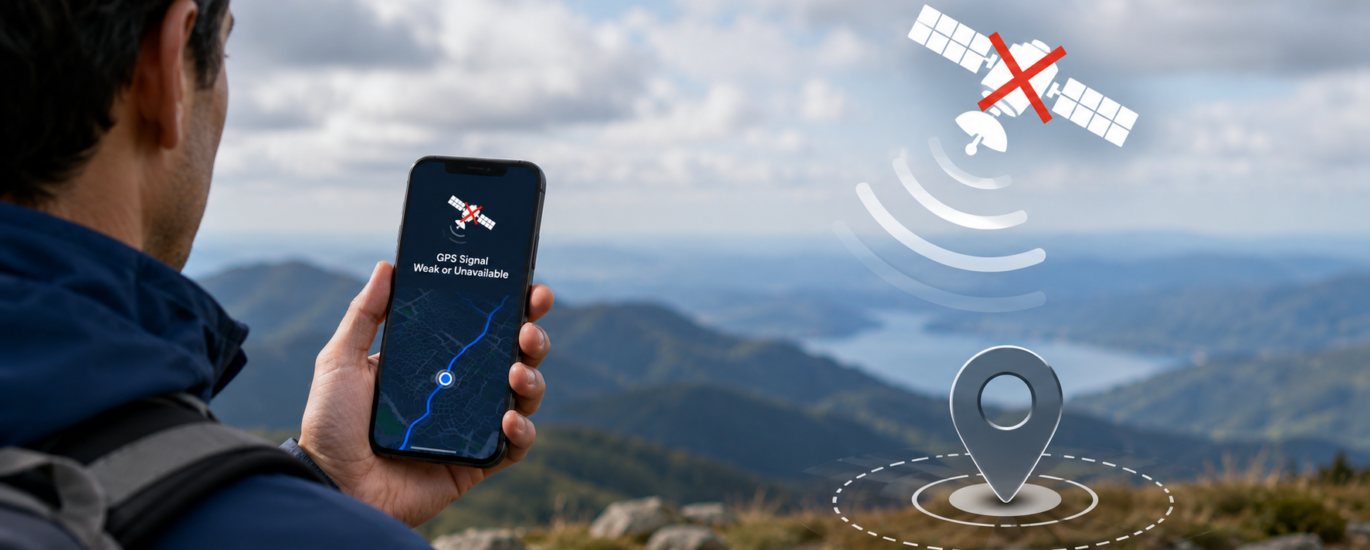
A weak or unavailable GPS signal can prevent your smartphone from accurately determining your location. This may affect navigation, location sharing, outdoor activities, and other services that rely on GPS. When the signal is unstable, your device may take longer to identify your location, display inaccurate positioning, or temporarily lose connection with GPS satellites.
In many situations, a weak GPS signal is caused by environmental conditions, device settings, or temporary software issues rather than a hardware malfunction. Understanding these factors can help you improve GPS performance and restore more reliable location tracking.
This guide explains the common reasons why a GPS signal may become weak or unavailable and provides general troubleshooting steps that users can follow.
What Does “GPS Signal Is Weak or Unavailable” Mean?
GPS-enabled devices receive signals from satellites orbiting the Earth to calculate their current position. When the device cannot receive enough satellite data, it may display a message indicating that the GPS signal is weak or unavailable.
A temporary loss of signal can occur in certain environments and usually improves once the device regains clear access to satellite signals.
Common symptoms include:
- GPS takes a long time to determine your location.
- Navigation cannot begin.
- Your current location disappears during navigation.
- GPS frequently loses signal.
- Location updates stop unexpectedly.
- Navigation instructions pause or become inaccurate.
- The device repeatedly searches for a GPS signal.
Common Causes of Weak or Unavailable GPS Signals
Obstructed View of the Sky
GPS performs best when your device has a clear line of sight to multiple satellites. Physical obstacles can reduce signal strength and affect location accuracy.
Common examples include:
- Underground parking garages
- Tunnels
- Elevators
- Buildings with thick concrete walls
- High-rise urban areas
- Dense forests
- Mountain valleys
Suggested Action
Move to an open outdoor area where the device has a clear view of the sky. Allow a few moments for the GPS receiver to establish a stable satellite connection.
Environmental Conditions
Weather and surrounding environments can sometimes affect GPS performance.
Examples include:
- Heavy rain
- Snowstorms
- Dense fog
- Large metal structures
- Areas with limited satellite visibility
Although GPS generally works in most weather conditions, severe environmental factors may temporarily reduce signal quality.
Suggested Action
Test GPS again when environmental conditions improve or from another outdoor location.
Location Services Are Disabled
If location services are turned off, applications cannot access GPS information even if satellite signals are available.
Suggested Action
Check your device settings to ensure that location services are enabled and that applications have permission to access your location.
Temporary Software Issues
Occasional software problems may interrupt communication between the operating system and GPS services.
Suggested Action
Restart your device and reopen the application that requires GPS.
Outdated Device Software
Older operating system versions or outdated applications may contain software issues that affect GPS reliability.
Suggested Action
Install available software updates for both your operating system and location-based applications.
Battery Saving Features
Power-saving modes often reduce background processes, including location updates, to extend battery life.
Suggested Action
Temporarily disable battery-saving features while using navigation or other GPS-dependent applications.
Wireless Connectivity Issues
Although GPS receives satellite signals independently, some devices use wireless networks to improve location accuracy and speed.
Suggested Action
Ensure that available wireless connections are functioning normally if enhanced location services are supported by your device.
Temporary Satellite Signal Interruption
Satellite reception can occasionally be interrupted because of temporary environmental or positioning factors.
Suggested Action
Wait several minutes while remaining in an open area. In many cases, the GPS receiver reconnects automatically.
General Troubleshooting Steps
If your GPS signal remains weak or unavailable, try the following:
- Restart your device.
- Enable location services.
- Verify application permissions.
- Move outdoors to an area with fewer obstructions.
- Wait several minutes for GPS to reconnect.
- Disable battery-saving mode temporarily.
- Install available software updates.
- Update applications that use GPS.
- Test GPS using another location-based application.
- Restart the device after completing any updates.
Tips to Improve GPS Signal Strength
You can often improve GPS performance by following these best practices:
- Use GPS in open outdoor areas whenever possible.
- Keep your operating system updated.
- Install application updates regularly.
- Maintain sufficient battery power during navigation.
- Avoid covering the device with objects that may interfere with signal reception.
- Review location permissions periodically.
- Restart the device occasionally to refresh system services.
Frequently Asked Questions
Why does my GPS signal become weak?
GPS signals may weaken because of surrounding buildings, tunnels, poor satellite visibility, environmental conditions, disabled location settings, or temporary software issues.
Can buildings block GPS signals?
Yes. Tall buildings, underground areas, concrete structures, and other large obstacles can reduce satellite visibility and affect GPS accuracy.
Does weather affect GPS performance?
Most weather conditions have little impact on GPS, but severe environmental conditions combined with physical obstructions may temporarily reduce signal quality.
Does GPS require an internet connection?
GPS receives positioning information directly from satellites. However, many location-based services use an internet connection to download maps, traffic information, and related online content.
When should I seek additional assistance?
If GPS remains unavailable after completing standard troubleshooting steps and the issue affects multiple applications, consider consulting your device manufacturer’s documentation or an authorized service provider for further evaluation.
Best Practices for Reliable GPS Performance
To maintain consistent GPS accuracy:
- Keep your device software current.
- Update location-based applications regularly.
- Enable location services when required.
- Use GPS in areas with clear satellite visibility.
- Avoid unnecessary battery-saving restrictions during navigation.
- Restart your device periodically to maintain stable system performance.
Conclusion
A weak or unavailable GPS signal is usually caused by environmental conditions, limited satellite visibility, software settings, or temporary system issues rather than hardware failure. By checking location settings, keeping your device updated, moving to an open outdoor location, and following standard troubleshooting procedures, many GPS signal problems can be resolved quickly. If the issue continues across multiple applications despite completing these steps, additional technical evaluation may be appropriate.
Disclaimer
This article is provided for general informational and educational purposes only. It is not affiliated with, endorsed by, or sponsored by any smartphone manufacturer, navigation application, software developer, or GPS provider. All trademarks, product names, and service names are the property of their respective owners.