
Introduction
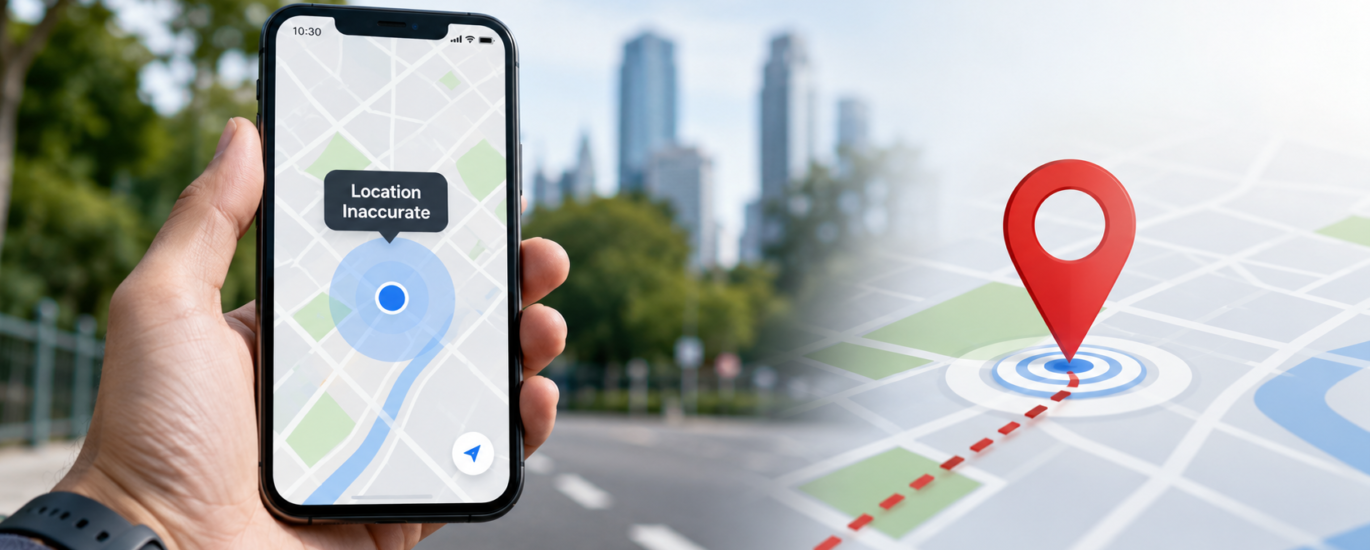
An inaccurate GPS location can make it difficult to navigate, locate nearby places, use location-based applications, or share your current position. Instead of showing your actual location, your device may display a nearby street, a different neighborhood, or a position that continues to change even when you are standing still.
Location accuracy can be affected by several factors, including weak satellite reception, device settings, software issues, or environmental conditions. In many cases, these issues can be improved by reviewing your device settings and following standard troubleshooting steps.
This guide explains the common reasons why your location may be inaccurate and provides general troubleshooting information to help improve GPS accuracy.
What Does an Inaccurate Location Mean?
A device with inaccurate GPS may not display your exact position. Instead, you may notice that:
- Your location appears several meters away from where you are.
- The map places you on the wrong road or street.
- Your position keeps moving even when you are not walking or driving.
- Navigation directions begin from the wrong location.
- Nearby places shown on the map do not match your actual surroundings.
- Location updates are delayed.
Occasional inaccuracies are normal because GPS accuracy depends on satellite visibility, environmental conditions, and the device’s ability to process location data.
Common Causes of Inaccurate GPS Location
Weak Satellite Signal
GPS relies on signals received from satellites. If those signals are blocked or weakened by surrounding objects, location accuracy may decrease.
Signal interference commonly occurs in:
- Tunnels
- Underground parking areas
- High-rise building areas
- Dense forests
- Mountain regions
- Indoor environments
Suggested Action
Move to an open outdoor location with a clear view of the sky and allow the device a few moments to improve its satellite connection.
Location Services Settings
Incorrect or disabled location settings can reduce positioning accuracy.
Suggested Action
Verify that location services are enabled and that applications have permission to access your location when needed.
Environmental Conditions
Weather conditions and surrounding structures can temporarily affect GPS performance.
Examples include:
- Heavy rain
- Snow
- Tall buildings
- Large metal structures
- Dense tree coverage
Suggested Action
Test GPS in a different outdoor location to determine whether environmental conditions are affecting signal quality.
Software or Application Issues
Temporary software problems may prevent applications from receiving accurate location information.
Suggested Action
Restart the application and your device. If updates are available, install the latest software version provided by the device or application developer.
Outdated Device Software
Older software versions may contain issues that affect location services.
Suggested Action
Check for available system updates and install them according to the manufacturer’s recommendations.
Battery Saving Features
Some power-saving modes reduce the frequency of GPS updates to conserve battery life, which may affect location accuracy.
Suggested Action
Temporarily disable battery-saving features while using navigation or other location-based applications.
Magnetic or Electronic Interference
Certain accessories or nearby electronic equipment may interfere with your device’s sensors, affecting direction or positioning.
Suggested Action
Remove magnetic accessories if possible and test GPS again in another location.
General Troubleshooting Steps
If your device displays an inaccurate location, try the following:
- Restart the device.
- Enable location services.
- Confirm application location permissions.
- Move to an open outdoor area.
- Wait for the GPS signal to stabilize.
- Install available software updates.
- Update applications that use location services.
- Disable battery-saving mode temporarily.
- Test GPS using another location-based application.
- Restart the device after completing these steps.
Tips to Improve GPS Accuracy
To help maintain reliable location performance:
- Keep device software updated.
- Install application updates regularly.
- Use GPS outdoors whenever possible.
- Avoid locations where satellite signals are blocked.
- Review location permissions periodically.
- Restart the device occasionally.
- Keep the device charged while using GPS for extended periods.
Frequently Asked Questions
Why is my location showing the wrong place?
Location accuracy may be affected by weak satellite reception, environmental conditions, disabled location settings, outdated software, or temporary software issues.
Why does my location keep moving while I am standing still?
Small changes in GPS positioning can occur when satellite signals are weak or temporarily interrupted. Environmental conditions and nearby structures may also reduce accuracy.
Can weather affect GPS accuracy?
Yes. Heavy rain, snow, and other environmental conditions may temporarily reduce signal quality, although GPS generally continues to function under most weather conditions.
Does GPS become more accurate outdoors?
In many situations, yes. Open outdoor areas provide better satellite visibility than buildings, tunnels, or underground locations, allowing the device to calculate a more accurate position.
When should I seek additional assistance?
If location accuracy remains poor across multiple applications after completing standard troubleshooting steps, users may wish to consult their device manufacturer’s documentation or an authorized service provider for further evaluation.
Conclusion
An inaccurate GPS location is often caused by environmental conditions, weak satellite reception, software settings, or temporary device issues rather than a hardware fault. Reviewing location settings, keeping software up to date, and testing GPS in an open outdoor environment can improve positioning accuracy in many cases. If the issue continues after completing standard troubleshooting, additional evaluation by the device manufacturer or an authorized service provider may be appropriate.
Disclaimer
This article is provided for general informational and educational purposes only. It is not affiliated with, endorsed by, or sponsored by any device manufacturer, navigation service, application developer, or GPS provider. All product names, trademarks, and registered trademarks are the property of their respective owners.